BLAUBERG MOTOREN · ONLINE FAN SELECTION
Blauberg Motoren Launches a Redesigned Homepage and Online Fan Selection Tool
Fan selection no longer has to start with a product catalog.
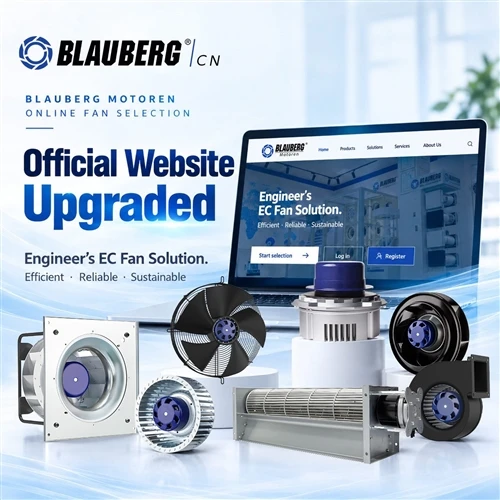
Blauberg Motoren has given its official website a fresh new look. The layout, interface and user experience have all been updated for smoother, more intuitive navigation.
The online fan selection tool is now available. Accessible from the official website, the tool lets users shortlist fans by product category and technical parameters, then view data charts and datasheets from the results list.
Access the Tool
www.blauberg-motoren.cn
Select "Fan Selection Software" in the top-right corner of the website.
Get Started in Four Simple Steps
STEP 01
Open the Website and Find the Selection Tool
Visit the Blauberg Motoren Website
Visit the Blauberg Motoren website and click "Fan Selection Software" in the top-right corner of the page. This link takes you directly to the online fan selection system.
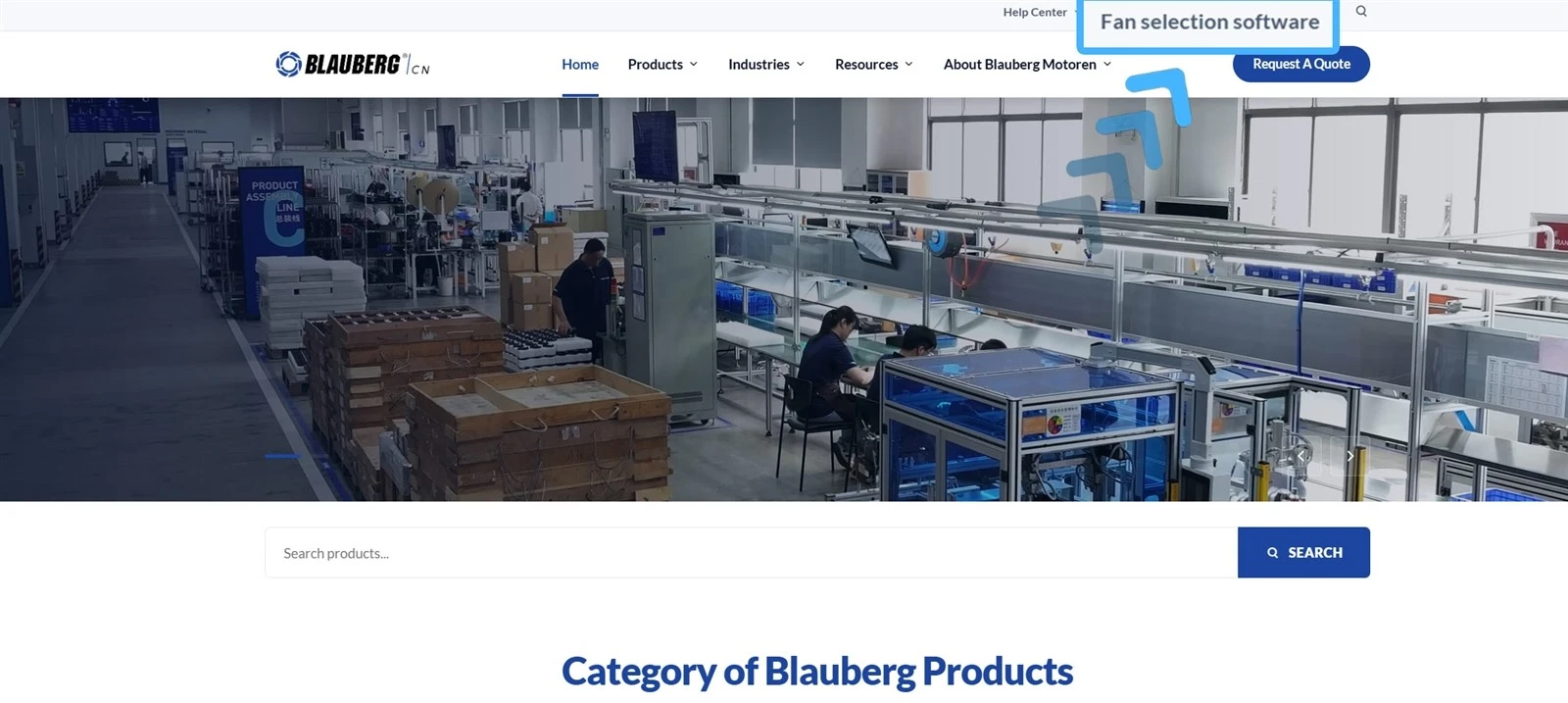
The "Fan Selection Software" link in the top-right corner of the website
STEP 02
Click "Start Selection"
On the tool's homepage, click "Start Selection" to open the fan model list. To save selection data and project files, you can also register for an account or sign in.

The "Start Selection" button on the tool's homepage
STEP 03
Choose a Category, Then Set the Parameters
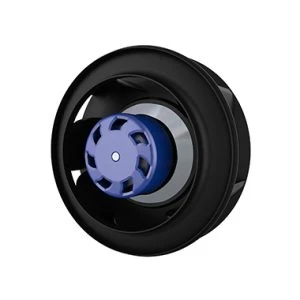
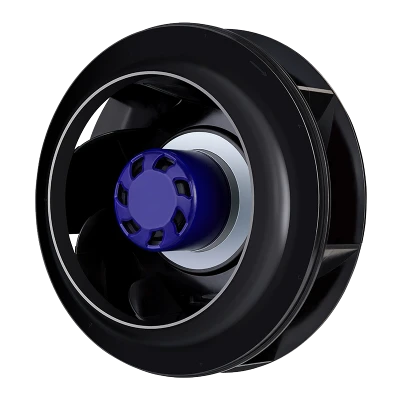
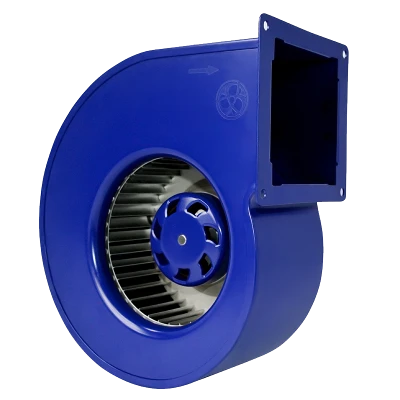
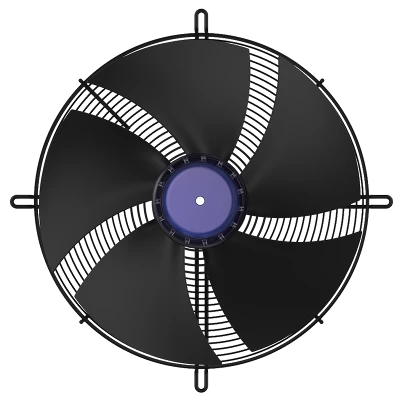
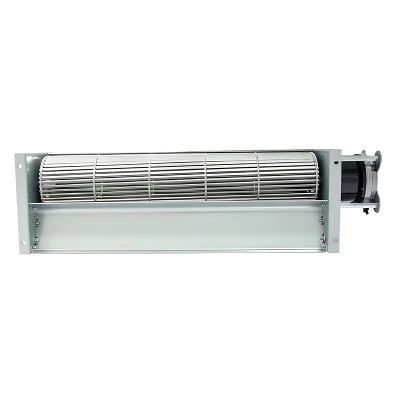
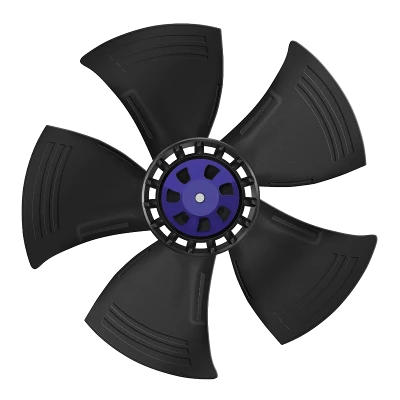
The selection page organizes information into fan models, category cards and parameter filters. Available categories include backward-curved centrifugal fans, backward-curved centrifugal fans with mounting brackets, forward-curved centrifugal fans, single-inlet scroll blowers, double-inlet scroll blowers, axial fans, axial fans with guard grilles and duct fans.
The parameter section lets you filter by impeller diameter, number of phases, voltage type, rated voltage, frequency, power, IP protection rating and model name. When the required duty point is already defined, you can also enter the airflow and static pressure.
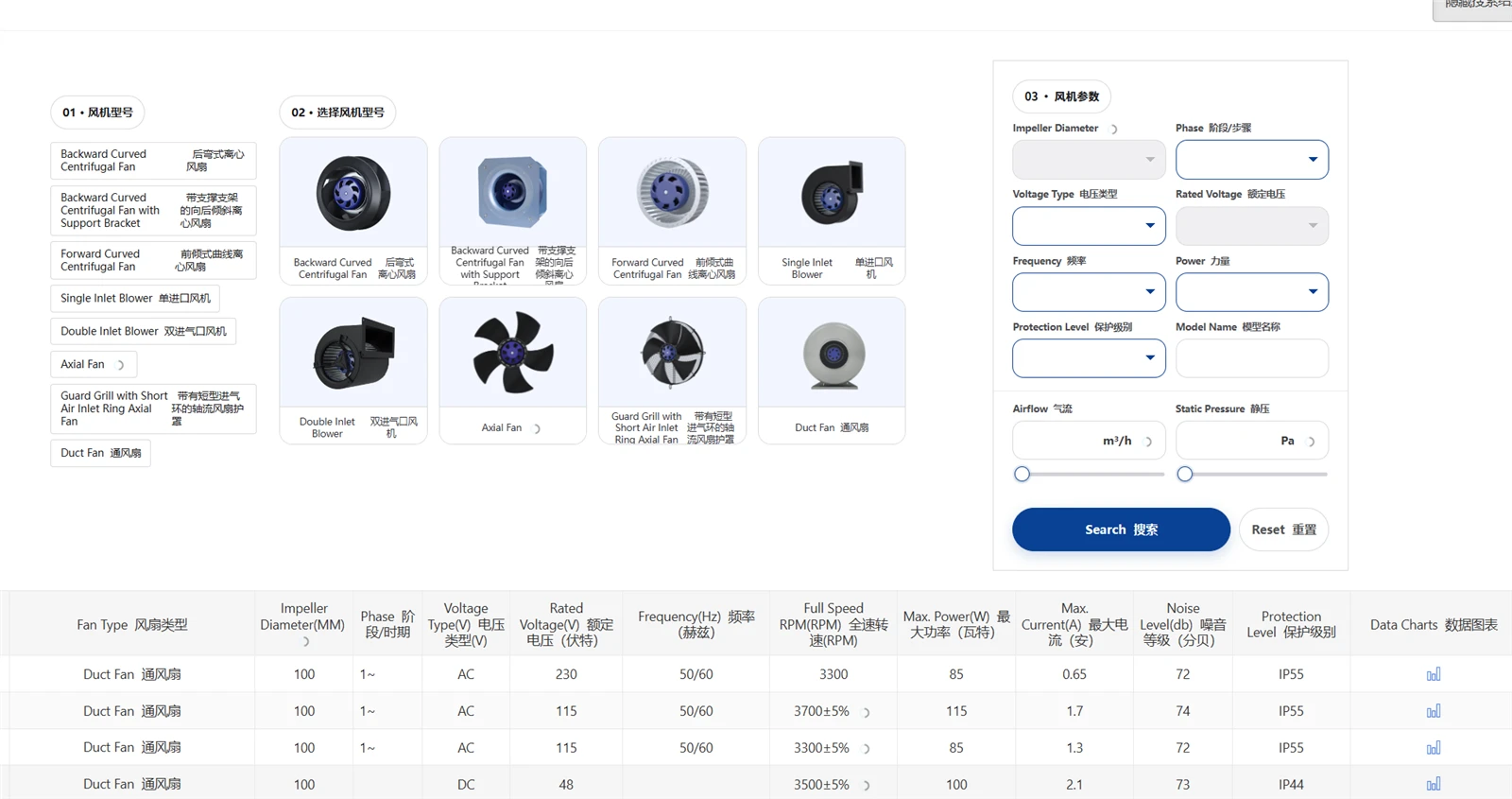
Fan model list
Before Entering Airflow and Static Pressure
The page uses m³/h for airflow and Pa for static pressure. Before entering values, check the units in your project documents and confirm the basis used for static pressure. Maximum airflow and maximum static pressure generally do not occur at the same operating point.
STEP 04
Review the Results, Data Charts and Datasheets
Click "Search" to display a results table showing the product model, fan type, impeller diameter, number of phases, voltage, frequency, full-speed RPM, maximum power, maximum current, noise level and IP protection rating.
Links to data charts and datasheets are also available on the right-hand side of each model's row. Once you have created a shortlist, open the relevant documents to review more detailed product parameters.
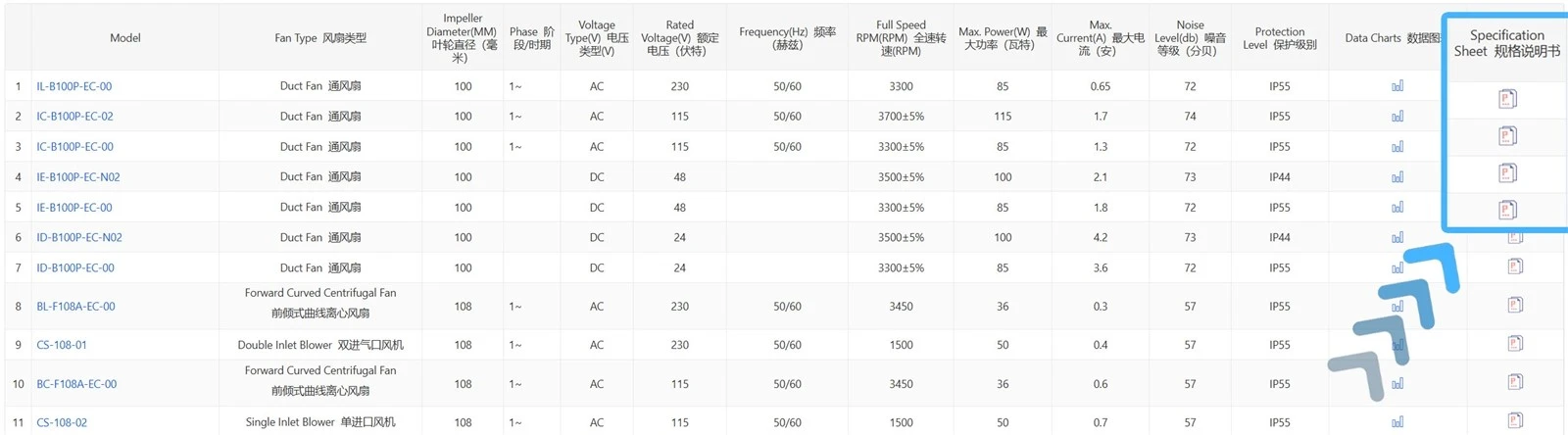
The datasheet link on the right-hand side of the results table
The Tool Helps You Shortlist-Engineering Judgment Still Matters
Bringing product categories, duty points and electrical parameters together on one page makes product searches more focused. However, the results remain a shortlist of candidates, not a final model confirmation for a specific project.
Detailed selection still requires a review of actual system resistance, installation space, inlet and outlet conditions, control methods, ambient temperature and protection requirements. For projects with multiple operating points, both typical operating conditions and conditions at the limits of the operating range should be checked individually.